
Gemini AI in Gmail: Inline Features & Impacts
⚡ Quick Take
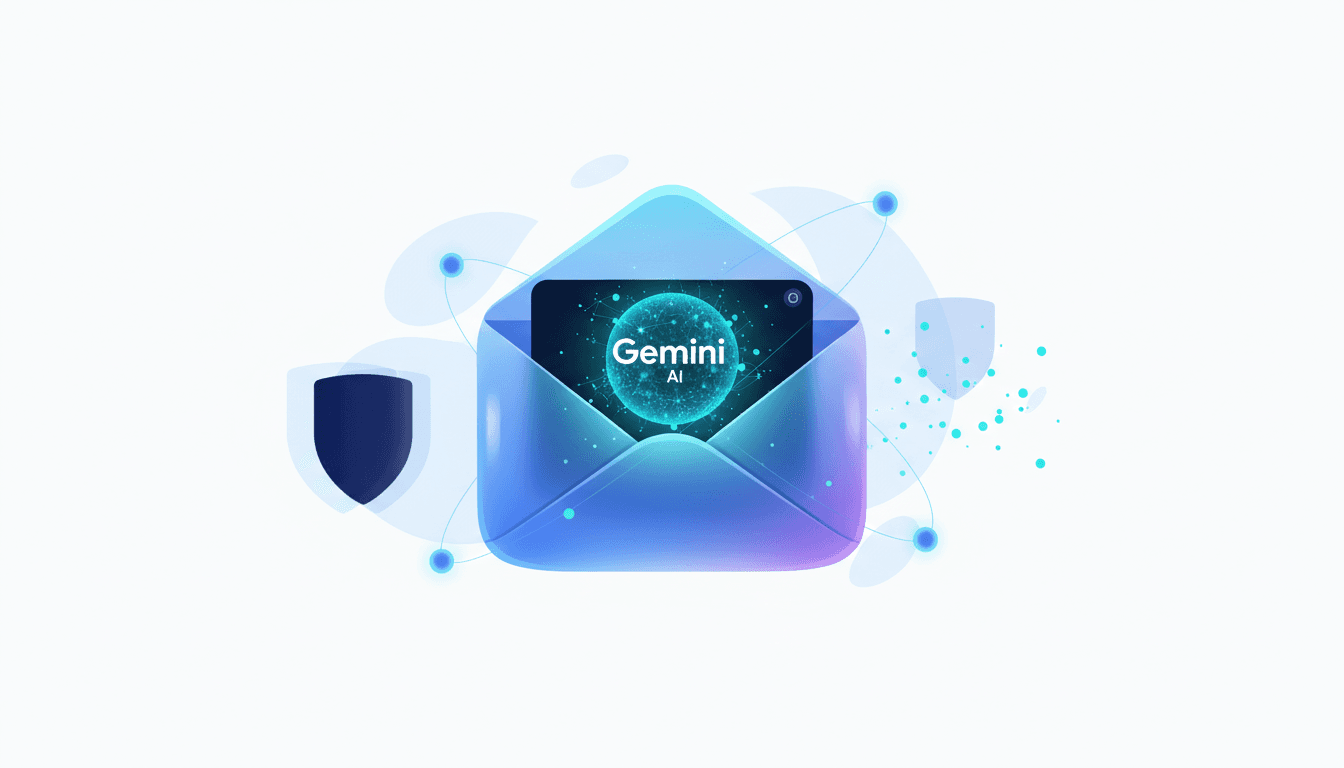
Google is embedding Gemini AI features directly inline within Gmail, moving beyond the side panel and making AI a core part of the user experience for drafting, summarizing, and searching. This shift from an optional add-on to a native, ambient intelligence layer fundamentally changes the workflow for billions of users and introduces urgent new questions for enterprise governance.
Summary: Ever wondered how email could feel less like a chore and more like a smart assistant at your side? Google is integrating a suite of Gemini-powered AI tools directly into the main Gmail interface. The new features include AI Inbox for prioritizing tasks, AI Overviews for summarizing long threads, Help me write for drafting assistance, and natural-language search across your mail history. This move signals a strategic shift, making AI an unavoidable component of the core email experience.
What happened: Instead of being siloed in a side panel, key AI functions like summarization and drafting now appear as contextual buttons within email threads and the compose window. This UI change is rolling out to both free and paid users, with more advanced capabilities reserved for Gemini Pro and Ultra subscribers. For many, this will replace the previous Gemini side panel workflow - a change that's already stirring things up, from what I've seen in early user feedback.
Why it matters now: This transition makes AI a default part of a mission-critical productivity tool, not just an experimental feature. By embedding intelligence directly into user workflows, Google is accelerating AI adoption at a massive scale, forcing users and organizations to adapt to a new paradigm of human-AI collaboration in their primary communication channel. It's like the tool you rely on every day suddenly starts thinking with you - exciting, but worth treading carefully around the implications.
Who is most affected: All Gmail users will see their interface change, but Google Workspace administrators and IT leaders are most impacted. They now face the immediate challenge of managing data security, compliance, and employee training for powerful AI tools that are deeply integrated into their organization's information flow. Plenty of reasons for that, really - email is the lifeblood of so many teams.
The under-reported angle: While most reports focus on the consumer-facing features, the critical story is the enterprise governance gap. The rapid push of inline AI into Gmail leaves IT and security teams scrambling to understand data handling policies, manage user permissions, and ensure compliance (e.g., HIPAA, SOC 2), turning a productivity upgrade into a potential governance headache. That said, it's the kind of oversight that could catch even the sharpest admins off guard.
🧠 Deep Dive
Have you ever paused mid-email, staring at a cluttered inbox, wishing for a way to cut through the noise without losing the thread? Google's move to inject Gemini natively into Gmail marks the end of an era for "add-on" AI. The previous Gemini side panel, analyzed by outlets like 9to5Google as a separate workspace, was an experiment in adjacent intelligence. The new inline model is a declaration: AI is now part of the core product fabric. Buttons to "Summarize this thread" or get "Help me write" now live directly in the user's flow of work, fundamentally altering a user experience that has remained largely static for years. This isn't just a feature update; it's a forced migration to a new way of working - one that, from what I've noticed, could redefine how we handle our daily digital deluge.
The feature set itself is designed to tackle classic email pain points. "AI Inbox" aims to solve inbox overload by automatically surfacing "Suggested to-dos" and "Topics to catch up on." "AI Overviews" promise to condense sprawling, multi-part threads into digestible summaries. For drafting, "Help me write" and "Proofread" offer assistance that goes beyond simple grammar checks to adjust tone and length. While the official Google blog frames these as pure productivity wins, the real story is how they reshape the user's relationship with their own information, turning the inbox from a passive archive into an interactive database you can query in natural language (a feature mostly reserved for paid Pro/Ultra tiers). It's a subtle shift, but one that weighs the upsides of efficiency against the pull of over-reliance.
However, this seamless integration creates a significant blind spot that consumer-focused coverage has largely missed: enterprise control and security. The current rollout lacks clear, comprehensive guides for Workspace administrators on how to govern these new capabilities. While Google promises security, organizations need granular controls to define how company data interacts with these models. Questions about data retention for prompts, model training policies, and compliance with regulations like HIPAA or SOC 2 are paramount. Without robust admin consoles and transparent documentation - a major content gap across all current reporting, if you ask me - Gmail's AI becomes a black box for the very teams responsible for protecting corporate information. And that's where things get tricky, fast.
This rollout also establishes a clear hierarchy of intelligence. While free users get a taste of summarization and drafting assistance, the most powerful capabilities are paywalled. The ability to ask complex, natural-language questions across your entire email history ("Find the final contract version from the Q3 vendor negotiation") is a powerful search paradigm locked behind Gemini Pro and Ultra subscriptions. This creates a new digital divide, not just between platforms, but within the same app. Power users and enterprises will be pushed toward paid tiers to unlock the full potential, turning email productivity into a tiered service. For now, key questions around mobile-versus-desktop feature parity and accessibility for users with disabilities remain underexplored, representing critical hurdles for true enterprise-wide adoption - hurdles we'll likely hear more about soon enough.
📊 Stakeholders & Impact
Stakeholder / Aspect | Impact | Insight |
|---|---|---|
Google Workspace Admins & IT | High | Faces immediate pressure to establish governance, security policies, and change management for ambient AI in a core communication tool. Lack of clear admin controls presents a significant risk. |
Individual Users (Free & Paid) | High | Workflow is fundamentally altered from a passive to an interactive model. Power users must adapt from side-panel workflows, while paid users gain a significant advantage in search and analysis. |
Competing Platforms (Microsoft Outlook/Copilot) | High | The bar for native AI integration in productivity suites has been raised. This move pressures Microsoft to deepen its Copilot integration beyond a chatbot-style interface into a more seamless, inline experience. |
Regulators & Compliance Bodies | Medium | The scale of this deployment will inevitably attract scrutiny regarding data privacy, model transparency, and how user data is handled within a core communication service trusted by billions. |
✍️ About the analysis
This article is an independent analysis produced by i10x. It is based on a synthesis of official product announcements, mainstream tech reporting, and an analysis of identified gaps in coverage related to enterprise security, data governance, and user workflow migration. It's written for tech leaders, product managers, and developers navigating the integration of AI into core business systems.
🔭 i10x Perspective
What if the emails you send every day started sending signals back, quietly reshaping how we all communicate? The embedding of Gemini into Gmail is a watershed moment, signaling the shift from optional AI tools to ambient intelligence woven into the fabric of our digital lives. It's a strategic play to make Google's AI indispensable by tying it to a daily habit for billions, effectively normalizing human-AI collaboration in our most essential communication tool.
This aggressive integration forces a crucial, unresolved tension to the forefront: the race for AI-driven productivity is moving far faster than the frameworks for enterprise governance and trust. While Google pushes the user experience forward, it leaves CTOs and CSOs in a reactive stance. The central question for the next era of AI is no longer "what can it do?" but "how do we control it?"
Noticias Similares
Detecting AI-Generated Videos: Provenance & Forensics
As AI video models advance, visual cues for spotting fakes are obsolete. Explore cryptographic provenance like C2PA and SynthID, plus tool-assisted forensics for reliable verification. Learn how to build a trusted media workflow today.
OpenAI 2026 AI Roadmap: GPT-5, 5.2 & Open Models
Explore OpenAI's 2026 AI roadmap, unveiling a multi-tiered family including GPT-5 for coding, GPT-5.2 for enterprise reasoning, and gpt-oss for customization. Understand the strategic shifts, trade-offs, and impacts on developers and businesses in this in-depth analysis.
Allianz and Anthropic: Enterprise AI Partnership
Discover how Allianz is partnering with Anthropic to integrate Claude AI models into insurance operations, focusing on agentic AI, human-in-the-loop controls, and compliance. Explore the implications for regulated industries.