Gemini Photo Editing: Prompt-Driven Features & Insights
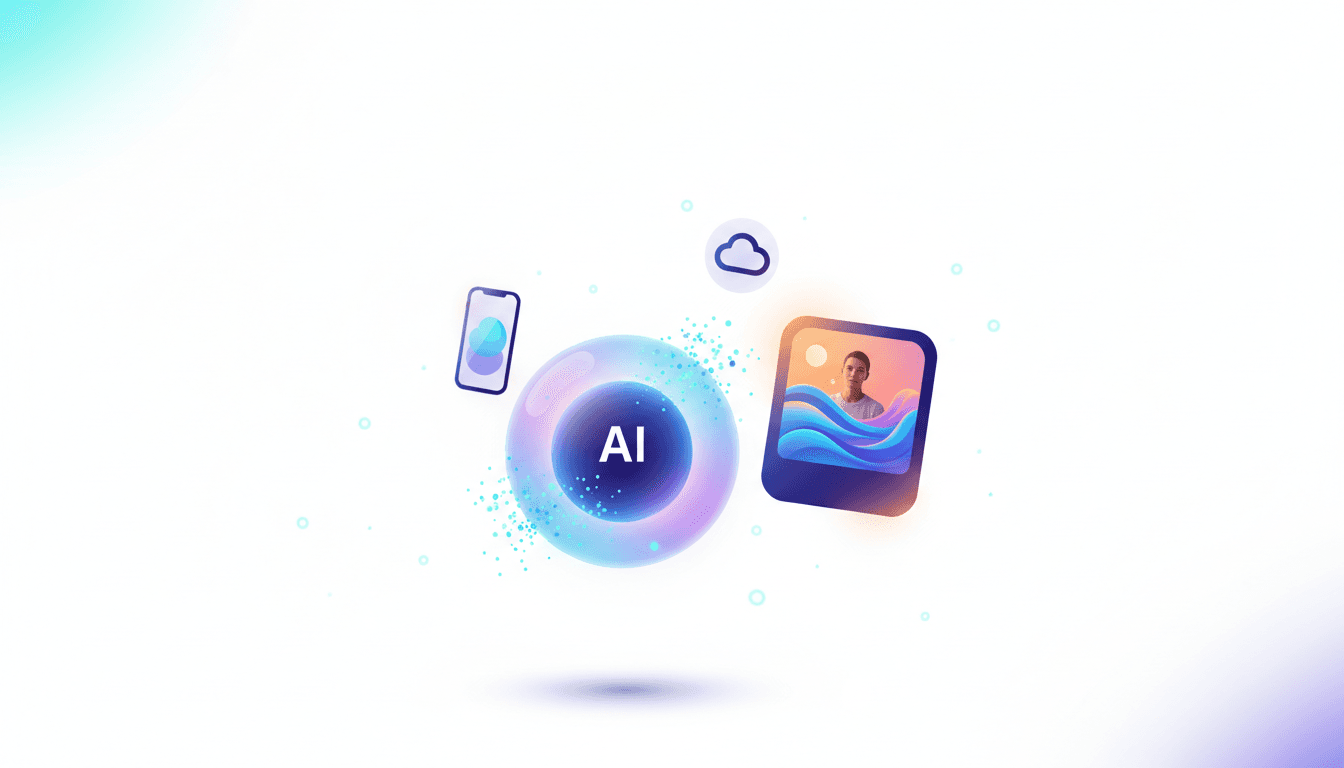
Gemini's Prompt-Driven Photo Editing: Quick Analysis
⚡ Quick Take
Google is collapsing the complex world of photo editing into a single conversational interface, allowing anyone to perform sophisticated edits with simple text prompts. This isn't just a new feature; it's a fundamental shift in creative workflows, directly challenging specialized software and positioning Gemini as a do-it-all multimodal assistant. However, the full power is fragmented across different models and platforms, creating a hidden learning curve for users and developers.
Summary
Google has integrated advanced, prompt-driven photo editing capabilities into its Gemini models. Users can now edit images by describing changes in natural language, performing tasks like object removal, background replacement, and portrait relighting without traditional editing tools. I've noticed how this makes the whole process feel less like wrestling with software and more like sketching out an idea on the fly.
What happened
Across its consumer-facing app (gemini.google.com), mobile app, and developer platform (Vertex AI), Google has enabled transformative image editing. The system uses models like Gemini 2.5 Flash Image and Gemini 3 Pro Image to interpret text prompts and apply precise changes—from targeted inpainting to complete style transfers—on user-uploaded photos. It's the kind of seamless integration that, from what I've seen, could quietly reshape daily creative routines.
Why it matters now
Ever wondered if AI could finally bridge the gap between your vision and the final image? This move pivots generative AI from pure creation to iterative transformation. It democratizes skills that once required hours in software like Adobe Photoshop, turning complex edits into one-line commands. This puts immense pressure on the creative software industry and signals that the next frontier for AI assistants is seamlessly manipulating existing media, not just generating new content from scratch - a shift worth watching closely.
Who is most affected
Content creators, social media managers, and e-commerce businesses gain a massive productivity boost. Developers can now build powerful image-centric applications with less overhead using the Vertex AI API. Conversely, established creative software companies like Adobe and Canva face a direct threat to their core value proposition of providing specialized editing tools. Plenty of reasons, really, why this ripples out so far.
The under-reported angle
Gemini's photo editing power isn't a monolith. The capability is fragmented: the free consumer web app uses a faster, lower-resolution model (1024px), while developers on Vertex AI can access a higher-resolution version (up to 4096px). Knowing which platform and model to use for a specific task—a quick social media post versus a high-quality product shot—is the key to unlocking Gemini's true potential, a distinction Google doesn't make clear in its consumer marketing. That said, it's these nuances that separate casual users from those who really leverage the tool.
🧠 Deep Dive
Have you ever spent an afternoon tweaking layers in photo software, only to wish for a simpler way? For decades, photo editing has been a craft of layers, masks, and manual adjustments. Google is betting that its future is conversational. With Gemini’s new image editing features, the workflow is being flattened into a single prompt input. What once required mastering the clone stamp or selection tools is now achieved by telling the AI: "Remove the coffee cup from the table" or "Make the lighting more cinematic, like a golden hour sunset." This isn't just a convenience; it's a paradigm shift that redefines who can be a "creator" - and honestly, it's refreshing to see accessibility take center stage.
The technical capabilities span a wide range of editing tasks. At its core, Gemini offers advanced inpainting (editing or adding to a masked area) and outpainting (extending the image canvas), all driven by multimodal prompts that combine an input image with text instructions. More advanced use cases, showcased in Google's developer-facing AI Studio, include precise "local edits" like changing a subject's pose ("make the person wave instead of standing still") or selectively relighting a portrait ("add a soft fill light from the left"). This closes the gap between generative fantasy and practical post-production, though it does require a bit of experimentation to get just right.
However, a critical piece of the puzzle is navigating Google's own ecosystem. The current coverage is split between simple tutorials for the general public and highly technical API documentation for engineers. No single source connects the dots - which, if I'm being frank, leaves room for some frustration. For instance, a creator on the go using the mobile app is likely interacting with Gemini 2.5 Flash Image, which is optimized for speed and produces 1024px outputs—perfect for social media. In contrast, a marketing team using the Vertex AI API can leverage Gemini 3 Pro Image for 4096px results suitable for print or high-resolution web use. This fragmentation between speed and quality, consumer and pro, is the strategic trade-off users must understand to get the right results; it's like choosing the right tool for the job, but with a few more moving parts.
Beyond simple edits, Google is weaving a broader narrative around AI-assisted content ecosystems. The push for "character consistency" allows a user to generate a character and then place them in new scenes or edit their existing photos, maintaining their appearance. This is a direct shot at a major pain point in AI image generation. Coupled with its SynthID watermarking for identifying AI-generated content, Google is attempting to build a comprehensive, responsible, and sticky platform that starts with a simple prompt and ends with a finished, deployable asset. From what I've observed, this holistic approach could keep users coming back, layer by layer.
📊 Stakeholders & Impact
Stakeholder / Aspect | Impact | Insight |
|---|---|---|
AI / LLM Providers | High | Positions Google's Gemini as a superior multimodal tool that goes beyond generation to transformation, creating a powerful end-to-end workflow within its ecosystem - one that feels integrated, not bolted on. |
Software Vendors (Adobe, Canva) | High | Poses a direct existential threat. The simplicity of prompt-based editing could commoditize features that are currently premium add-ons or require specialized software, forcing some tough adaptations. |
Creators & Marketers | Significant | Massively lowers the barrier to producing professional-quality visual content, enabling faster iteration and reducing reliance on specialists for common editing tasks - a real game-changer for tight deadlines. |
Developers & ML Engineers | Significant | The Vertex AI API provides a powerful new building block for applications requiring image manipulation, abstracting away complex computer vision models and letting coders focus on the bigger picture. |
✍️ About the analysis
This is an independent analysis by i10x, based on a synthesis of official Google documentation, developer guides for Vertex AI and AI Studio, and public user guides. The goal is to provide a unified map of Gemini's editing capabilities for builders, creators, and product leaders navigating the evolving AI-native content landscape. It's drawn together from various threads, aiming for that clear overview amid the buzz.
🔭 i10x Perspective
What if the real power of AI isn't in flashy new creations, but in how it quietly transforms what we already have? Gemini’s photo editing is a Trojan horse. On the surface, it’s a user-friendly feature; underneath, it’s a strategic move to make AI an indispensable, fluid partner in the creative process. The next market battle won't be about who has the best image generator, but who offers the most seamless workflow for integrating, editing, and maintaining context across a suite of media.
Google is betting that the platform with the most intuitive multimodal interface—from a simple chat prompt to a complex API call—will own the future of content. The unresolved tension is whether this "one-prompt-edits-all" approach will truly democratize visual creativity or simply produce a new wave of beautiful, yet stylistically homogenous, AI-polished content. Either way, it's a conversation that's just getting started.
Related News
Agent-to-Agent Hiring: Breaking the AI Recruiting Doom Loop
Enterprise recruiting is shifting to autonomous A2A workflows as the AI hiring doom loop intensifies. Discover how agent-to-agent negotiations and auditable infrastructure are reshaping talent acquisition. Explore the guide.
OpenAI Daybreak: Automating Cybersecurity Patching at Machine Speed
OpenAI’s Daybreak and Defense Factory models let enterprises automate vulnerability patching from weeks to minutes. See how Block and Cloudflare use AI for machine-speed security fixes. Discover the shift.

OpenAI Engineer Arrested for Planting Hidden Recorder
A Saudi national and OpenAI engineer was arrested for allegedly installing a hidden audio device in an executive conference room. This case reveals shifting threats from cyber to physical espionage in AI labs. Learn more.