Quick Take
Have you ever wished your AI helper could just… appear, without all the tab-juggling? OpenAI’s new native ChatGPT desktop app for Mac isn’t merely a fresh window opening up—it’s a smart step to break free from the browser’s grip and weave AI right into the fabric of your operating system, like an ever-present sidekick. Pairing the speedy GPT-4o model with a quick system shortcut and the power to peek at your screen, OpenAI is positioning itself as the go-to hub for all that knowledge work demands, pushing back against browsers and stirring up fresh challenges for IT folks and devs in enterprises.
Summary
OpenAI is launching a native ChatGPT desktop application for macOS, running on its top-tier GPT-4o model. This shifts the AI from a simple web page to a built-in tool that’s quicker and smoother, meant to fit seamlessly into your daily flow.
What happened
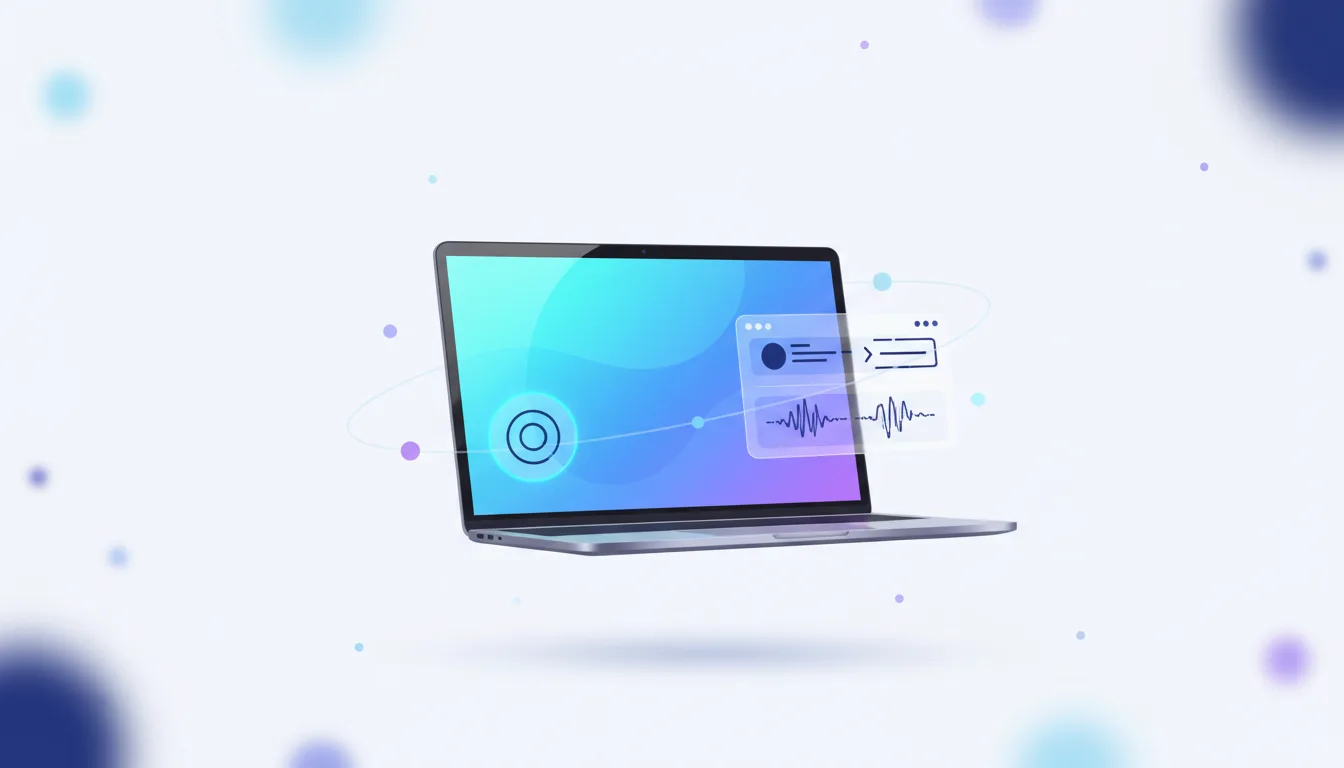
Rolling out first to Plus and Team users, with plans to expand, the app brings a handy system-wide shortcut—Option + Space—to call up ChatGPT no matter what you’re doing. Standout features include:
- Screenshot-based queries that let the app analyze what’s on your screen.
- Real-time voice chats with much lower latency than prior iterations.
- Tight native integration for the full ChatGPT toolkit, including planned support beyond macOS (a Windows version is on the horizon for later this year).
Why it matters now
This feels like a real turning point for how we experience AI. Escaping the browser means tackling that nagging “context-switching” drain on productivity—you know, the mental toll of flipping apps and re-explaining everything. Now, AI isn’t a stop-you-have-to-make; it’s more like background support, tuned into your moment, always primed to help. Competitors are going to have to step up to this new bar for blending AI into everyday tools.
Who is most affected
Folks in knowledge-heavy roles—think developers, analysts, writers—will see real gains from less hassle, boosting their output. But for enterprise IT and security teams, it’s a wake-up call: managing these potent desktop apps with their deep dives into screen and mic access just became non-negotiable. Developers on the OpenAI platform will need to rethink workflows to make the most of this native twist.
The under-reported angle
Sure, headlines love the polished interface and voice perks, but the bigger picture—and what I’ve noticed gets overlooked—is this strategic pivot and what it spells for enterprise oversight. We should be talking less about “When’s Windows dropping?” and more about “How do we roll out and lock down an AI that’s got eyes on every screen?” That missing roadmap for MDM (Mobile Device Management) and enterprise setups? It’s a hole organizations can’t ignore anymore, plenty of reasons to tread carefully there.
Deep Dive
What if your AI could truly keep up with the chaos of your workday? OpenAI’s Mac app brings that vision to life, acting as the backbone for how we handle knowledge tasks these days. For so long, the real drag on AI wasn’t the smarts of the models, but the clunky interfaces holding everything back. You’d fight your way to a browser tab, paste in bits of context, describe images by hand—it was exhausting. This desktop client is built to smash those walls. That Option + Space shortcut goes beyond handy; it’s like training your fingers to summon help as naturally as hitting search.
And powering it all is GPT-4o’s built-in multimodality, which amps up the whole thing. Gone are the sluggish, turn-taking voice chats of old; now, with low latency, conversations flow like they’re happening right across the desk from you. But the game-changer, really—the part that gets me excited—is feeding screenshots straight from your desktop into the model. An error popping up in your code? A tangled chart you’re staring at? A snippet of text mid-document? It sees it all, just like you do, turning ChatGPT from a chatty side note into a true partner. This bridges such a huge divide in how humans and AI connect, opening doors to smarter debugging, deeper analysis, even fresh creative sparks—workflows we haven’t fully imagined yet.
That said, weaving in so tightly isn’t without its rough edges, ones that launch buzz hasn’t quite grappled with. Enterprise IT and security pros now have this hefty new app to wrangle on every endpoint. Handing over ongoing mic and screen access? That’s no small call on the security front. The docs spell out user-side controls fine, but enterprise deployment—think MDM (Mobile Device Management) integrations, quiet installs for company fleets, policy controls from afar—it’s all notably thin on details. Teams are stuck choosing: shut it down and deal with grumpy users, or greenlight it and risk unvetted paths for data leaks. Tricky spot, no doubt.
For developers and power users, though, this client unlocks a whole new playground for automating the grind. Drag files right in, run Code Interpreter natively—it tightens up analysis from start to finish. Looking ahead, tying into macOS Shortcuts or AppleScript could chain AI with other apps, letting clever setups multiply the impact. This isn’t some lazy web-to-app copy; it’s a standalone platform, and the best innovations will come from devs who dive in and build around it, treating ChatGPT like the core tool it could become.
Stakeholders & Impact
Knowledge Workers
Impact: High. Cuts down the hassle of pulling in AI help big time. With that shortcut and screen grabs, ChatGPT shifts from a detour to something always humming in the background, ready for whatever task throws at you.
Enterprise IT & Security
Impact: Significant. Sparks a rush for updated rules and safeguards. Handling MDM rollouts, fine-tuned controls on mic and screen, plus watching for data risks—it’s all vital now, even if the guidance feels a bit sparse.
OS & Browser Vendors
Impact: Medium. Puts real pressure on browsers as the main AI gateway. Points to a world where AI layers into the OS core, maybe even rivaling built-ins like Siri or Cortana down the line.
Developers
Impact: High. Moves AI coding support out of isolated tabs into a seamless desktop flow. Opens up screen-driven fixes, file handling in Code Interpreter, quick prototypes—efficiency jumps.
About the analysis
Researched and written with AI assistance under the editorial responsibility of the i10X News team. The title image is an AI-generated illustration. Read our AI Use Policy. Spotted an error? Request a correction.
This draws from an i10x lens, pulling together OpenAI’s official word, real-world tests from tech outlets, and a close read of the docs. I focused on the mismatches between shiny user features and what’s needed for enterprise scale, tailored for devs, engineering leads, and CTOs sizing up tomorrow’s AI tools—gaps that matter most in the thick of it.
i10x Perspective
Ever wonder where AI lives in our digital lives next? The ChatGPT desktop app lays it out plain: not stuck in browsers anymore. It’s kicking off a scramble for that “ambient” layer—the one bridging you and your work without fanfare. From what I’ve seen in OpenAI’s trajectory, this isn’t about a fancier face; it’s grabbing hold of routines at the root, embedding the assistant so deep into your OS that it’s indispensable. Over the coming 18 months, forget marginal model tweaks—the real fight is for ecosystems that slip effortlessly into our days. The desktop is the frontline now, and it’s reshaping everything.