
Visual guide · August 2026
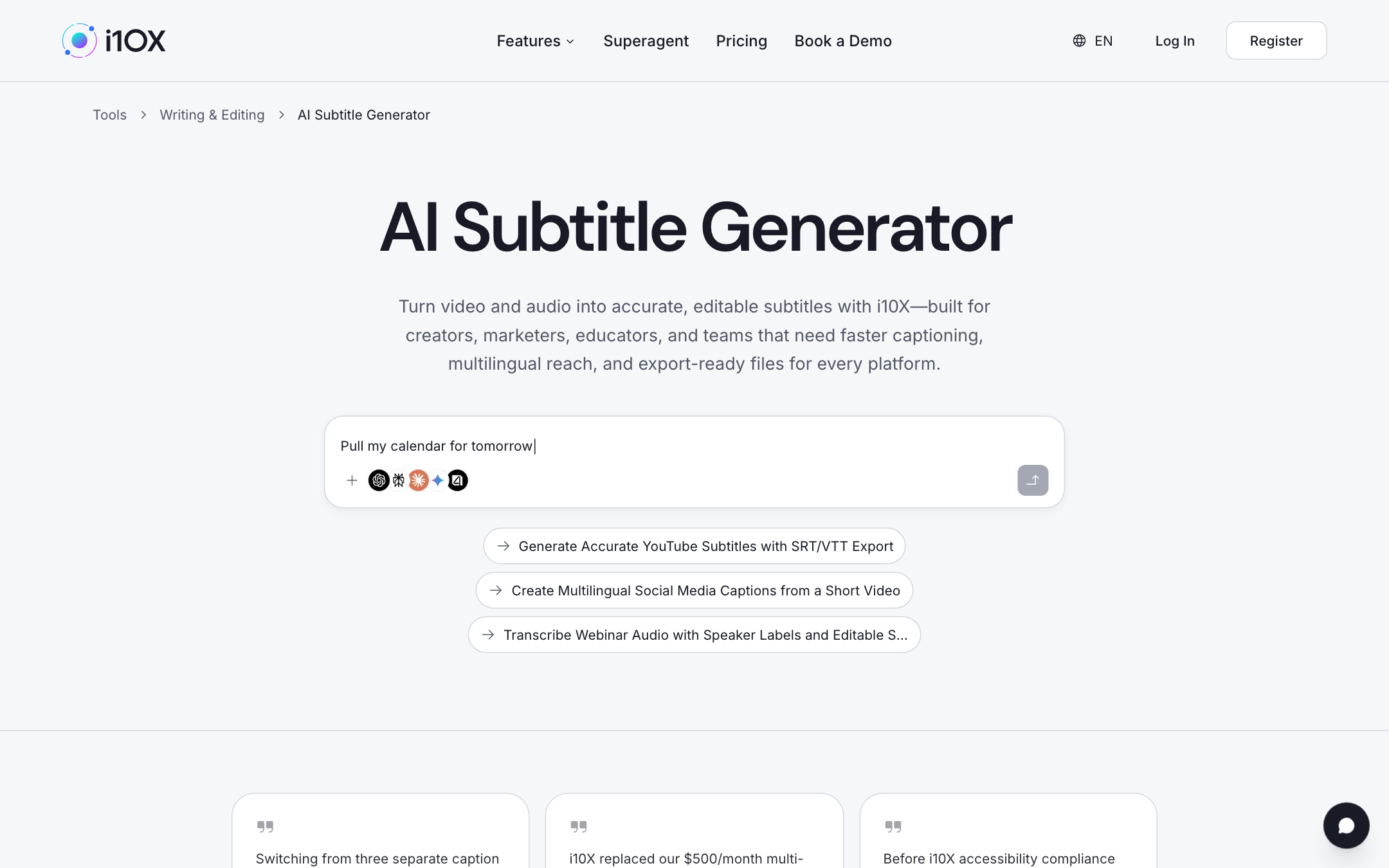
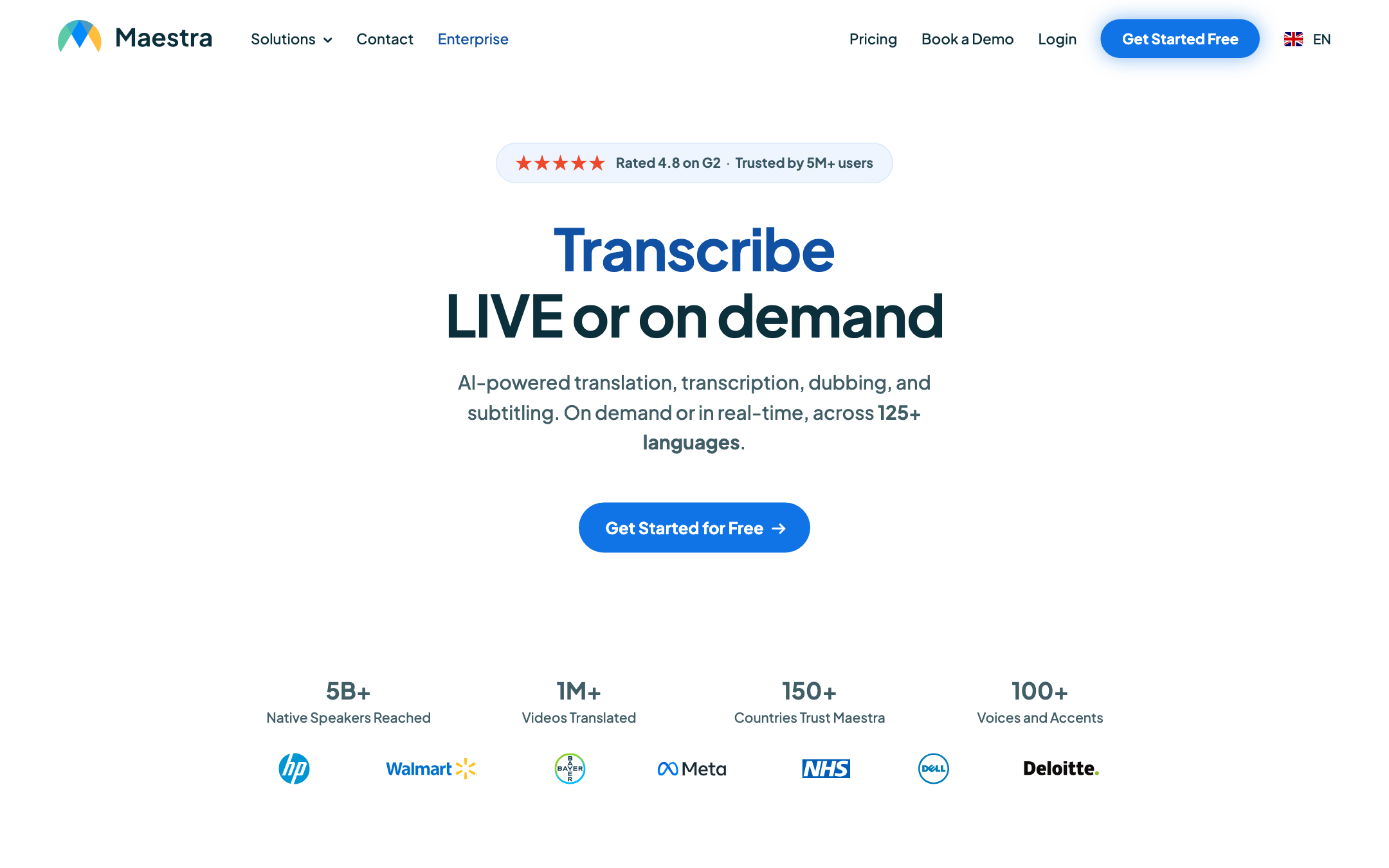
The best AI subtitle generators in 2026 are not a single winner. They are SRT factories for YouTube, burned-in caption stylists for silent social feeds, and speaker-labeled transcripts for webinars. This page is a visual investigation: homepage captures from 2026-08-28, a who-starts-where map, and a pick matrix. Browse the live directory on i10X AI subtitle generators or start in one i10X workspace.
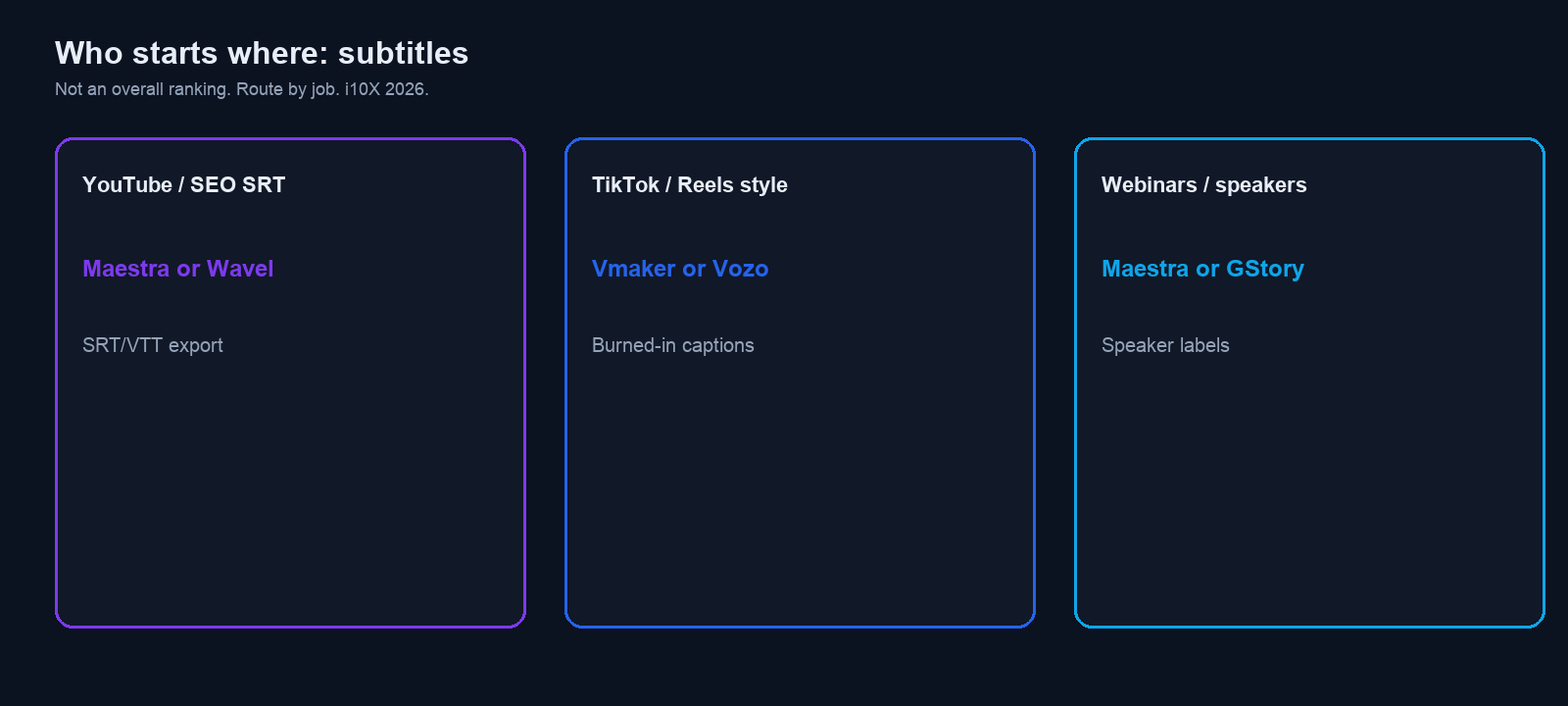
Start for YouTube SRT: Maestra if you need timed files (SRT, VTT) and an editor with a confidence meter. Subtitlewhisper if Whisper-class accuracy on a file or YouTube URL is the whole job.
Start for social burned-in captions: Vmaker or Vozo if styles and animations are the product. PlayPlay if a desktop upload with a live preview is enough and you do not need SRT.
Start for webinar speakers: Wavel AI if speaker ID and messy audio matter. Dubverse SUB if translation and burn-in sit next to dubbing. EasySub if you want a simple YouTube URL pass.
Screens captured 2026-08-28. Plans move. Verify live on the vendor site before you budget.
8 tools |
From the i10X writing and video subtitle listings, not a generic caption roundup |
3 visuals |
Category page, routing diagram, Maestra homepage |
SRT vs burn-in |
First-class filter. YouTube wants a file. TikTok wants text on the picture. |
7 days |
Pilot: one YouTube cut, one Reel, one webinar. Same glossary. |
Who starts where
Do not pick a trophy. Pick a deliverable. The map is the article in one screen.
You are… |
Start with |
Why |
|---|---|---|
YouTube editor |
Maestra or Subtitlewhisper |
Timed SRT/VTT you can upload, not only a burned MP4. |
Social / Reels / Shorts |
Vmaker or Vozo |
Presets, animations, and a caption that survives mute autoplay. |
Webinar / training |
Wavel AI, then Dubverse SUB |
Speakers, noise, translation. Captions plus a transcript. |
One-off, no account |
EasySub trial, then Framenet if you only need SRT |
URL in, file out. Confirm watermarks on the live site. |
Desktop marketing team |
PlayPlay Automatic AI Subtitles |
i10X lists desktop-only, large uploads, in-app styling. Check SRT export before you commit. |
Three outputs (look at this before logos)
Searchers mix three products: a sidecar subtitle file (SRT, VTT for YouTube and an NLE), burned-in captions (pixels on a 9:16 export), and a speaker-labeled webinar transcript. This list is all three. A pretty social style pack is the wrong buy if legal asked for a .srt.
If the job is clips from a long talk, that is long video to Shorts, not a captioner. If you need the lecture as notes, see AI video summarizers.
How we ranked
- Export path: SRT/VTT sidecar, burned-in video, or both, as stated on the i10X listing.
- Languages: transcription and translation, without treating a marketing “99%” as a measured score.
- Speakers: labels, overlapping talk, webinar noise. Mentioned only when the listing claims it.
- Editor: timing, find/replace, styles. A raw dump is a first pass.
- Intake: file upload, YouTube URL, desktop app, or browser.
- Price we can date: no official price table in this brief. Write “verify live on the vendor site.”
We did not score your accent in a private lab. Word error on names and product terms is the week-one test. Keep a glossary.
The 8, with the pages we opened
Each block is what the i10X listing states as of 2026-08-28, then how to use it. Vendor logos appear because they are on the live sites. They are not i10X endorsements.
1) Maestra: best YouTube SRT and editable files
Best for |
Job (listing) |
Export (listing) |
Paid |
|---|---|---|---|
Creators and educators who need a file, not only a baked video |
Subtitles, captions, transcription in many languages; confidence meter; YouTube/TikTok integrations |
SRT, VTT, SCC, STL and more |
Verify live on the vendor site |
Skip if: you only want punch-in captions for a 20-second Reel and never an SRT.
2) PlayPlay Automatic AI Subtitles: best desktop burn-in preview
i10X lists PlayPlay as a free, desktop-only generator for uploads up to 2GB, with translation, a real-time preview, and controls for font, size, color, position, and timestamps. The same listing says it is a poor fit if you need mobile or SRT export. Confirm that SRT gap on the live product before you make it the YouTube tool. i10X / Automatic AI Subtitles · playplay.com. Paid seats: verify live on the vendor site.
Skip if: editors live on MacBooks that cannot install the desktop app, or legal wants a sidecar file.
3) Vmaker: best social styles without a timeline course
Vmaker’s i10X listing is auto subtitles in many languages, translation, presets, styles, and animations, then an export aimed at social. Free downloads may carry a watermark. That is the Reels job: readable type, fast turn, not a 90-minute panel. i10X / Vmaker · vmaker.com. Paid seats: verify live on the vendor site.
Skip if: you need frame-accurate SRT for a broadcast master.
4) Wavel AI: best webinar audio that is not clean
Wavel’s listing emphasizes multilingual subtitles, frame-level timing, noise, accents, overlapping speech, speaker identification, and SRT export. Dubbing and voice cloning sit next to captions. Use it when the source is a panel, not a single-mic tutorial. i10X / Wavel AI · wavel.ai. Paid seats: verify live on the vendor site.
Skip if: you need pixel-perfect lip sync after a dub. That is a different list: AI lip sync tools.
5) Dubverse SUB: best when translation is the next click
Dubverse SUB is listed for time-stamped captions, editing, syncing, and burn-in, with translation and a path into dubbing. i10X notes ReDraft and ReSync as the edit loop. Good for localization teams that already know captions are not the last mile. i10X / Dubverse SUB · dubverse.ai. Paid seats: verify live on the vendor site.
Skip if: you only need English SRT and a quiet editor.
6) Vozo: best animated social captions plus light edit
Vozo’s listing is transcription, translation, a large style library, auto-zoom, key-line highlights, and silence trimming. Exports include embedded video, SRT, and TXT. That is a captioner that wants to be a short-form editor. i10X / Vozo · vozo.ai. Paid seats: verify live on the vendor site.
Skip if: the source is lyrics. The listing itself flags music as a weak spot.
7) EasySub: best simple URL-to-captions pass
EasySub takes video, audio, or a YouTube URL, offers a timeline editor, translation, and exports (SRT, ASS, TXT plus social video). i10X describes a short free trial and pay-as-you-go after that. Confirm current minutes and rates on the vendor site. Do not treat any listed per-minute figure as a 2026 invoice. i10X / EasySub · easyssub.com.
Skip if: you need brand kits, speaker labels, or team review.
8) Subtitlewhisper: best Whisper-class file and YouTube SRT
Subtitlewhisper is listed as Whisper-based transcription with YouTube and file intake, an online editor, and exports including SRT and embedded subtitles. The listing is explicit about a free-tier cap (short videos, watermark) versus paid length and resolution. Framenet sits in the same i10X category as a no-signup SRT/VTT path. Use Subtitlewhisper when accuracy on messy speech is the bet. Use Framenet when you only need a clean sidecar file. i10X / Subtitlewhisper · i10X / Framenet · subtitlewhisper.com. Paid seats: verify live on the vendor site.
Skip if: you need live captions on a stage. This list is file-based, not a hardware encoder.
The 8 at a glance
Tool |
Best for |
Output (listing) |
Starting paid |
|---|---|---|---|
Maestra |
YouTube SRT |
SRT, VTT, SCC, STL + editor |
Verify live on the vendor site |
PlayPlay |
Desktop burn-in |
Styled preview; SRT not listed |
Verify live on the vendor site |
Vmaker |
Social styles |
Presets, animations, watermark on free |
Verify live on the vendor site |
Wavel AI |
Webinar speakers |
Speaker ID, SRT, messy audio |
Verify live on the vendor site |
Dubverse SUB |
Translate + burn-in |
Captions next to dubbing |
Verify live on the vendor site |
Vozo |
Animated social |
Styles, SRT, embedded video |
Verify live on the vendor site |
EasySub |
URL in, captions out |
SRT/ASS/TXT + social export |
Verify live on the vendor site |
Subtitlewhisper |
Whisper SRT |
YouTube/file, SRT, embed |
Verify live on the vendor site |
What we left out
- YouTube Studio auto-captions: try native first on public YouTube. Third-party wins for styling, translation, or files the native panel does not give you.
- Descript / CapCut as full editors: captioning is a feature, not this category.
- Live CART / hardware encoders: a different accuracy and legal bar.
SRT files, reading speed, and accessibility
A good caption is not a transcript dumped on screen. Aim for short lines, a break at a clause, and enough time to read. If you export SRT for YouTube, keep the file as the source of truth and restyle later. If you only burn in, you cannot fix a typo without re-exporting the video.
Build a glossary before the first run: product names, people, places, and terms you must never translate. Paste it into the tool if the vendor supports custom vocab. If it does not, find/replace in the editor. That single step is why Maestra-class editors beat a fire-and-forget URL box on webinars.
Accessibility is more than “we added captions.” Speaker labels help when two people overlap. Contrast and placement matter on vertical video when the UI chrome covers the bottom fifth. Burned-in social captions are not a substitute for a proper caption file on a course hosted in an LMS that expects VTT.
Translation is a second model. Time-sync can stay correct while the sentence becomes nonsense. Have a native reader spot-check, especially for legal, medical, or pricing claims.
One-week pilot
- Pick two tools from different output families (one SRT, one burned-in).
- Run the same three assets: a 10-minute YouTube cut, a 30-second vertical, a webinar excerpt with two speakers.
- Score 1-5: names and product terms, timing, export you can actually upload, speaker labels.
- Give the SRT to someone who did not hear the video. If they cannot follow it, the tool failed.
- Check watermarks and file duration caps on free.
- Kill the loser. Do not keep two caption tools in every upload.
Seat math: AI subscription stack cost.
Frequently asked questions
What is the best AI subtitle generator overall in 2026?
There is no overall. Maestra is the usual SRT start. Vmaker or Vozo is the usual social start. Wavel is the usual messy-webinar start. Subtitlewhisper if you want Whisper on a file.
Do I need SRT or burned-in captions?
YouTube and most NLEs want SRT or VTT. TikTok, Reels, and Shorts usually want text burned into the frame because many viewers watch muted. Webinars often need both a file and a transcript.
Are YouTube auto-captions enough?
Often for a first draft on clean English. Third-party wins for translation, styling, speaker labels, or a file you edit once and reuse.
How accurate are these tools?
Vendor pages quote high percentages. We did not treat those as independent tests. Accuracy is your glossary, your mic, and a human pass on names.
Can I caption a live webinar with this list?
These listings are file and URL workflows. Live CART and platform-native live captions are a different product. Wavel and Maestra mention live paths on some pages. Confirm that mode on the vendor site before a keynote.
What about music and lyrics?
Speech models stumble on songs. Vozo’s listing already flags lyrics as a weak spot. Do not promise a karaoke-grade pass from a talk captioner.
Where can I compare them side by side?
Vendor trials, plus
the i10X subtitle generator category.
Related:
flashcard makers
·
video summarizers
·
i10X.
Shortlist in the directory, then fix the glossary
The category page in Figure 1 is the live catalog. Paste a rough transcript into a workspace when you need a second model to check names, line length, and tone before you burn captions in.
Open AI subtitle generators on i10X →
Start on i10X · AI meeting assistants · Long video to Shorts · AI lip sync tools
- Homepage captures of the i10X subtitle-generator category and Maestra, 2026-08-28. Logos belong to the vendors.
- i10X tools directory, subtitle generator category and listings for PlayPlay Automatic AI Subtitles, Vmaker, Wavel AI, Dubverse SUB, Maestra, Vozo, EasySub, Subtitlewhisper, and Framenet, 2026-08-28. i10X subtitle generators.
- Maestra vendor site, 2026-08-28. maestra.ai.
- Vendor homepages linked from those listings: PlayPlay, Vmaker, Wavel, Dubverse, Vozo, EasySub, Subtitlewhisper, Framenet, 2026-08-28.