
Visual guide · August 2026
The best AI diagram generators in 2026 are not a single winner. They are enterprise process canvases, git-native text diagrams, and prompt-to-sketch pads sitting on the same keyword. This page is a visual investigation: the live i10X category, a three-lane job map, and homepage captures from 2026-08-28. Browse the directory on i10X AI diagram generator or start in one i10X workspace. Same series: AI meeting assistants, storyboard generators.
Start for enterprise process: Lucidchart when the diagram must live next to Google Workspace, Microsoft 365, Jira, or AWS data.
Start for git-native docs: Mermaid Chart / Mermaid AI when the source of truth is a file you can diff. ChatGPT or Claude mermaid paste if you already pay for the chat and the wiki will render it.
Start for prompt-to-sketch: Napkin-class tools or an i10X workspace when the job is a first visual, not a governed process map. Eraser if engineers want diagram-as-code plus a canvas.
Screens captured 2026-08-28. Plans move. Verify live before you budget.
8 tools |
Enterprise process, git-native, and prompt-to-sketch. Not a trophy ranking |
4 visuals |
Category, routing map, Lucidchart homepage, Mermaid homepage |
Code vs canvas |
First-class filter. A Confluence embed is not a GitHub-rendered flowchart. |
7 days |
Pilot: one process, one architecture, one export a teammate will edit |
Who starts where
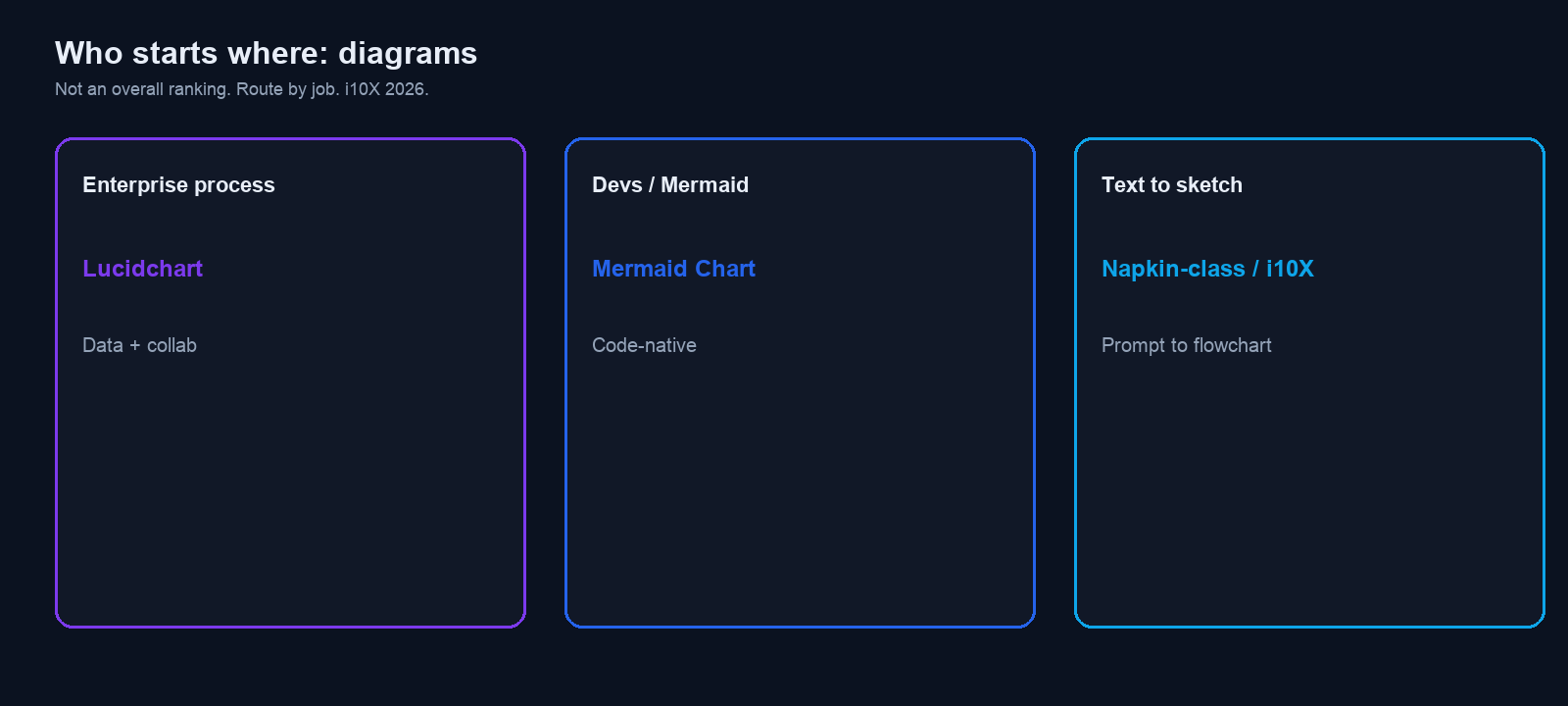
Do not pick a trophy. Pick a constraint. The map is the article in one screen.
You are… |
Start with |
Why |
|---|---|---|
IT, ops, or a BA with swimlanes |
Lucidchart |
Data-linked process maps, org charts, ERDs, templates, SSO later. |
Engineer who wants the diagram in git |
Mermaid Chart, or paste Mermaid from ChatGPT / Claude |
Plain text. GitHub and many wikis render it. Reviewable in a PR. |
Engineer who wants code plus a canvas |
Eraser |
Common 2026 peer for diagram-as-code with a visual editor and GitHub sync. |
PM / designer who wants a pretty flow today |
Whimsical or Napkin AI |
Whimsical for product flows. Napkin for prose to sketch. Not UML governance. |
Need a first architecture picture from a brief |
i10X workspace (Figure 1 chips) |
Prompt to Mermaid, then paste into git or Lucid. Same series as storyboards. |
Three jobs (look at this before logos)
Searchers mix three products: an enterprise process canvas (Lucidchart), a git-native diagram language (Mermaid, plus ChatGPT or Claude that emit Mermaid), and a prompt-to-sketch pad (Napkin, Whimsical, i10X). Eraser sits between git-native and canvas. Native Visio or Miro may already be paid for. Try those first if the team already lives there, then add a specialist.
A swimlane that must survive an audit is a different file from a sequence diagram that must survive a pull request. If you cannot change one label without regenerating the picture, you bought an illustration, not a diagram.
If the question is which model writes the spec the diagram came from, see best AI model for writing and multi-model AI.
How we ranked
- Job lane: enterprise process, git-native / Mermaid, or prompt-to-sketch. Read from the live homepage or a dated 2026 roundup, not a 2023 “AI flowchart” list.
- Edit after generate: canvas, source text, or both.
- Where it lives: Confluence / Workspace, GitHub, or a deck.
- Free-tier honesty: CTA on the page we opened. No invented per-seat prices.
- Collaboration: comments, SSO, and admin only when the vendor states them.
- Export: PNG, SVG, PDF, embed, or a
.mdfile a repo will keep.
We did not score “prettiest flowchart” on a private bake-off. The week-one test is whether a teammate can edit the output without redrawing it.
The 8, with the pages we opened
Lucidchart and Mermaid are homepage captures from 2026-08-28. Peers are described from official positioning and 2026 roundups dated on this page. Vendor logos appear because they are on the live sites. They are not i10X endorsements.
1) Lucidchart: best enterprise process canvas
Best for |
Job (this capture) |
Free (homepage) |
Paid |
|---|---|---|---|
Teams that already buy Lucid, Google, or Microsoft seats |
Enterprise process. Data + collab on the i10X map. |
CTA: Sign up free |
Verify live on Lucid pricing. We did not screenshot a price table in this pull. |
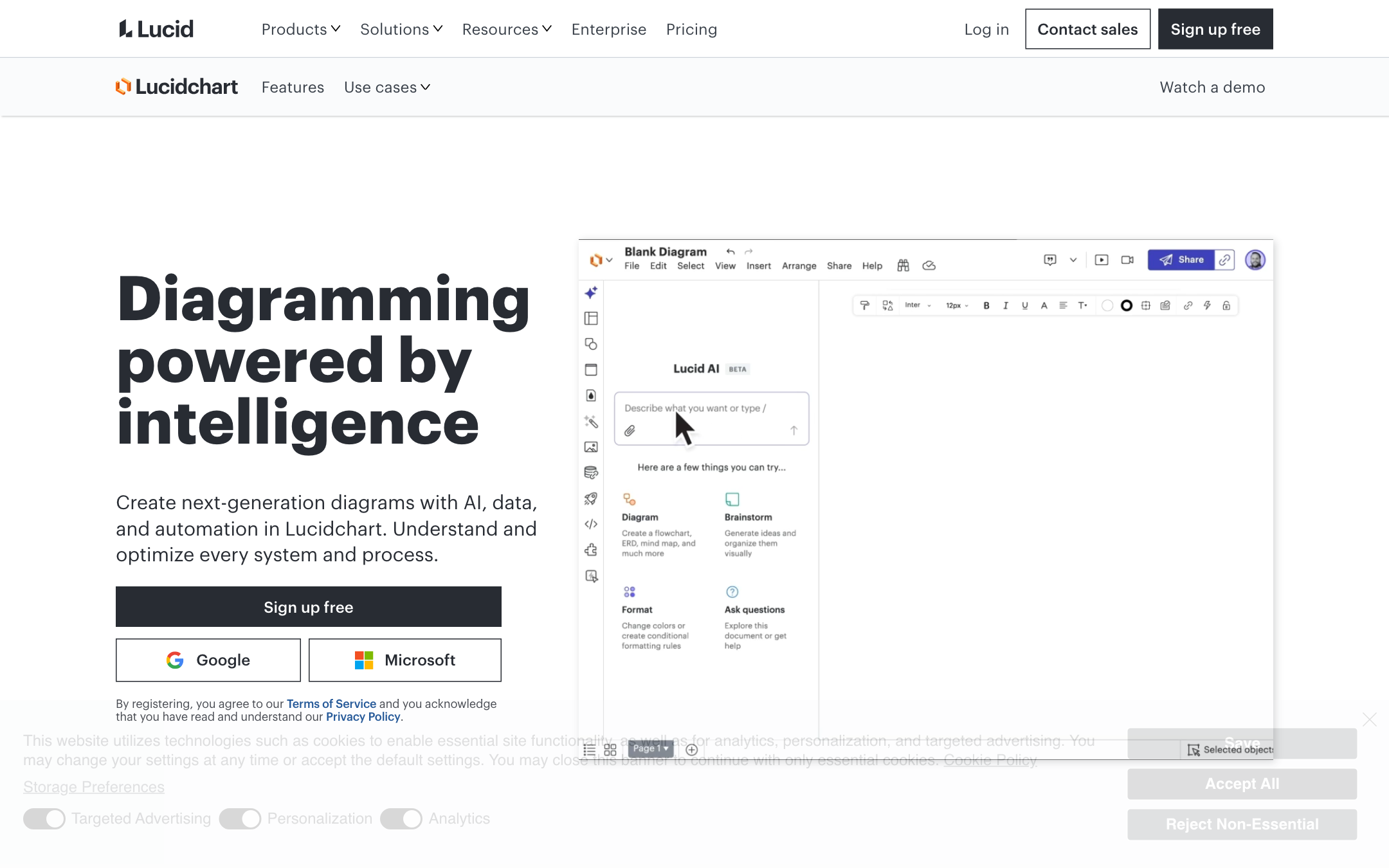
i10X listing: Lucidchart (flowcharts, org charts, ERDs, UML, system architecture from prompts or data; Workspace, Microsoft 365, Jira, AWS named). lucidchart.com.
Skip if: the diagram must be a text file in git, or you only need a one-off sketch for a slide.
2) Mermaid Chart / Mermaid AI: best git-native diagram
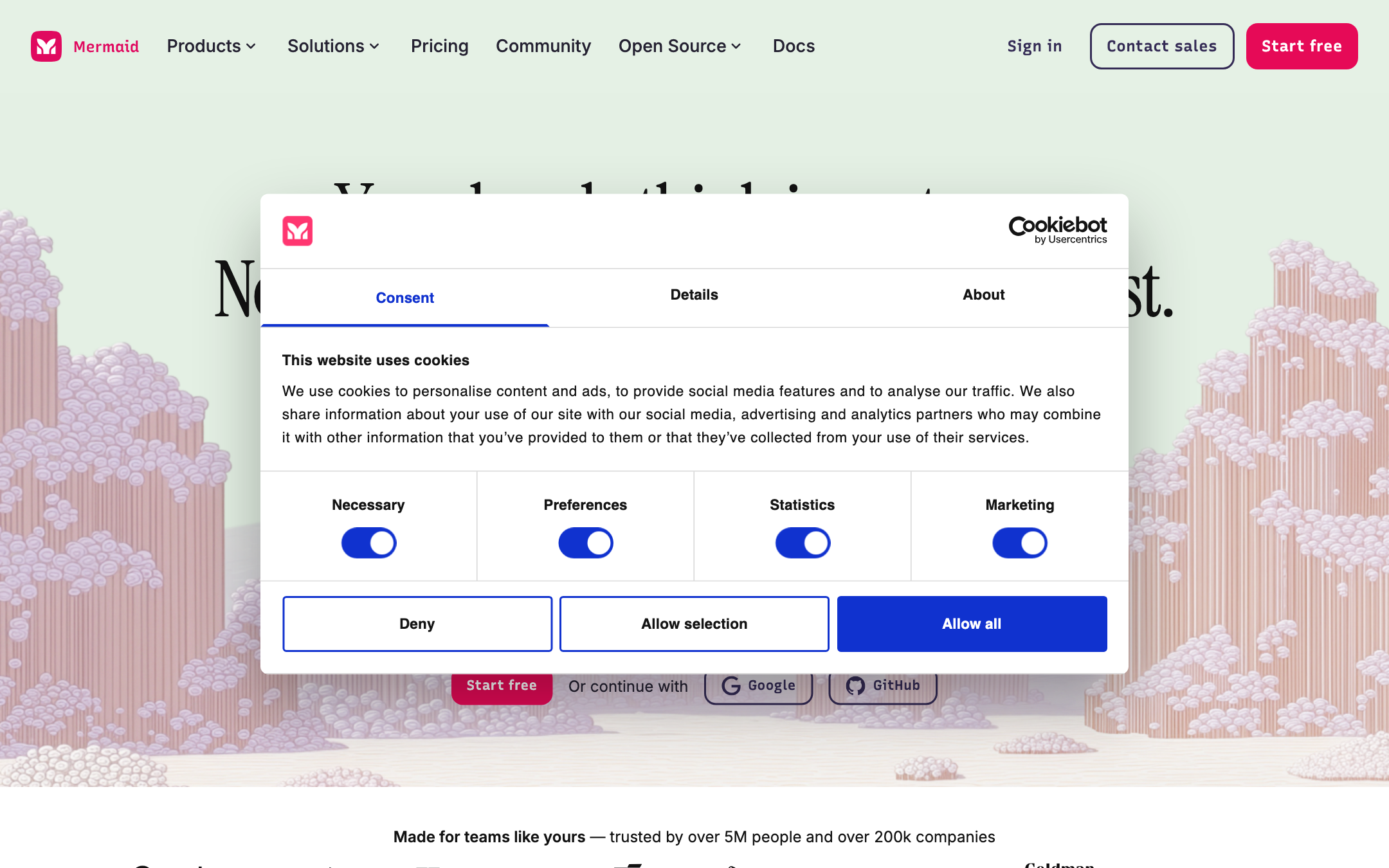
i10X listing: Mermaid AI (natural language to flowcharts, sequence diagrams, Gantt; visual editor and whiteboard; ChatGPT, GitHub Copilot, Confluence, VS Code named). Built by the Mermaid JS people, so the syntax is the same language GitHub already renders. mermaid.ai and the open-source project at mermaid.js.org. Paid Chart seats: verify live. We did not pull a clean price table in this capture.
Skip if: your audience will not read source text and you need Visio-class styling on day one.
3) Eraser: best engineering hybrid (code plus canvas)
Eraser is the usual 2026 peer when a team wants diagram-as-code, an editor, and GitHub in one workspace. Roundups this year put it in the technical / architecture lane next to Mermaid, not in the Lucid process lane. Confirm current AI limits and the Starter seat on eraser.io. Do not copy a 2025 credit number into a 2026 budget.
Week-one test: generate an architecture from a README, commit it, then change one service name in git. If the file is not reviewable, you are back in screenshot land.
Skip if: you are mapping HR swimlanes for a non-technical ops team.
4) Napkin AI: best prose to sketch
Napkin is the usual prompt-to-visual for docs and decks: paste writing, get an editable graphic, not a BPMN file. Figure 2 labels the third lane “Napkin-class / i10X” for that reason. Official site: napkin.ai. Verify the free tier and what remains editable after generate.
Use it when the input is a paragraph and the output is a slide. If shapes are not independently editable, you will redraw it the first time legal renames a step.
Skip if: the artifact must be an ERD, UML sequence, or a data-linked org chart.
5) Whimsical: best product-flow canvas
Whimsical sits with flowcharts, wireframes, and mind maps for product teams. 2026 roundups treat it as the fast structured canvas, smaller than Lucid or Miro, quicker for solo and small-team flows. Official site: whimsical.com. Confirm AI action limits on the live plan. Not the git-native pick.
Product flows are the home turf. Generate a signup flow, then drag one decision diamond. If that edit is easy, you are in the right tool.
Skip if: you need AWS shape libraries and Salesforce data linking.
6) ChatGPT / Claude mermaid paste: best if you already pay for the chat
Ask the model for Mermaid, paste into GitHub, Notion, or a Mermaid live editor. This is not a diagram product. It is a path. It wins when the team already has a chat seat and a wiki that renders the syntax. It loses when nobody will fix a broken flowchart TD block. For model choice, see
multi-model AI
and
i10X
when you want the same brief run on more than one model.
The failure mode is silent: almost-valid Mermaid, a broken GitHub graphic, then a screenshot. Keep a live editor tab open.
Skip if: non-engineers must drag boxes and you will not teach syntax.
7) i10X workspace: best prompt-to-first-diagram in this directory
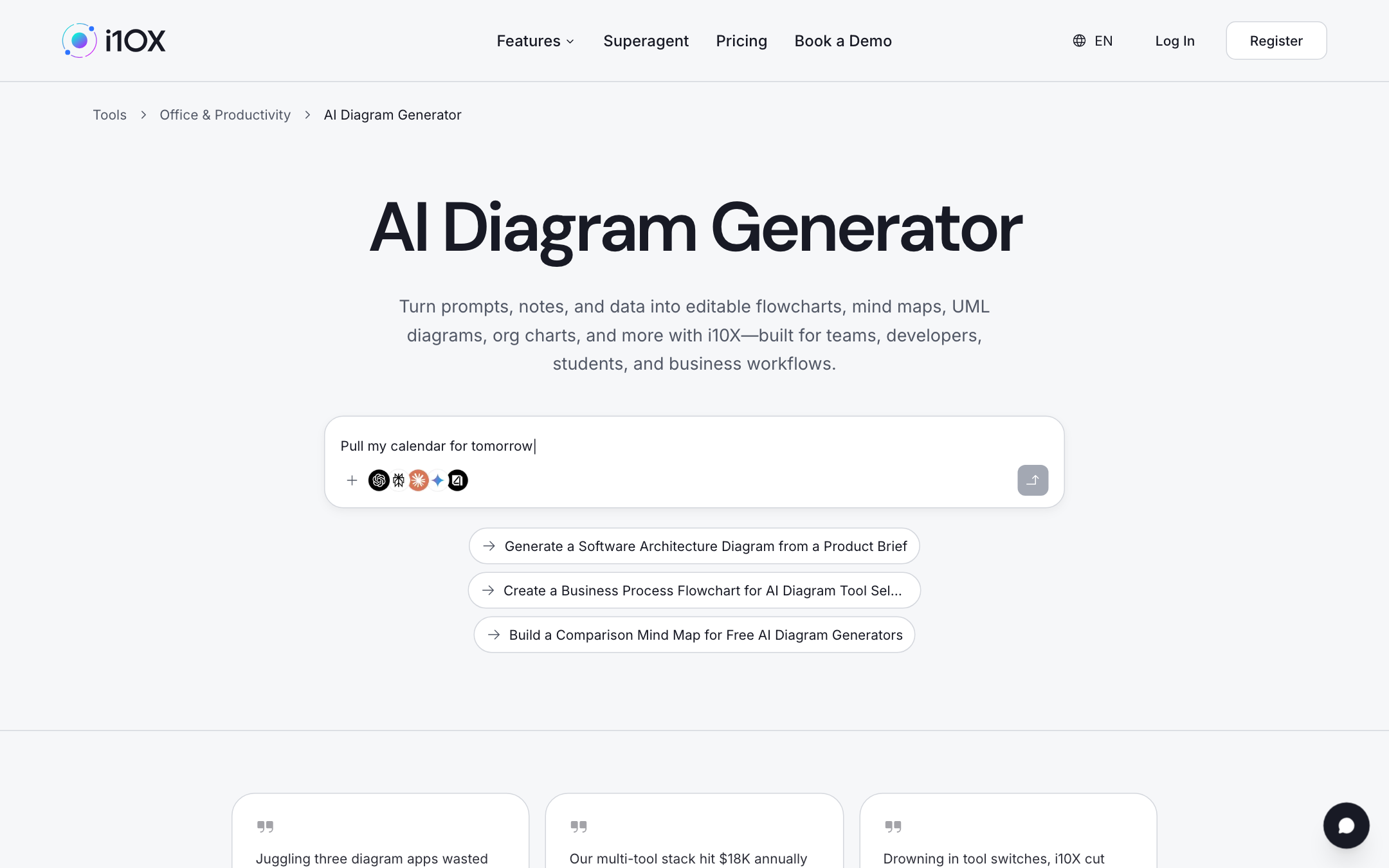
Figure 1 is the live catalog: architecture from a product brief, a tool-selection flowchart, a comparison mind map. The Superagent path is describe, set type, generate, refine. Use it to get a Mermaid draft, then commit that draft to git or redraw it in Lucid. It is not a replacement for Lucid governance or for Mermaid in CI. It is the first picture when the brief is still a paragraph, which is the same reason Figure 2 puts i10X in the text-to-sketch lane with Napkin-class tools.
Directory: AI Diagram Generator on i10X.
Skip if: procurement will only sign a single-purpose diagram vendor with a BAA already on file.
8) Native whiteboard AI (Miro-class) as the “already paid” peer
Many teams already have Miro (or FigJam) and will generate a diagram on a board they already run workshops on. That is a valid eighth path: try native first, the same way meeting assistants tell you to try Zoom, Teams, or Meet AI before a third-party bot. Miro is a canvas that can diagram. It is not Lucidchart, and it is not Mermaid. If the board is the source of truth, stay. If the repo is the source of truth, leave.
Workshops produce diagrams that die as PNGs in Slack. If the diagram must outlive the workshop, export to Mermaid or Lucid the same day.
Skip if: you do not already pay for the whiteboard and you only need a flowchart this week.
The 8 at a glance
Tool |
Best for |
Lane (this map) |
Start (this capture) |
|---|---|---|---|
Lucidchart |
Enterprise process + data |
Enterprise process |
Sign up free (homepage 2026-08-28) |
Mermaid Chart / Mermaid AI |
Git-native diagrams |
Devs / Mermaid |
Start free (homepage 2026-08-28) |
Eraser |
Code + canvas for engineers |
Git-native hybrid |
Verify live on eraser.io |
Napkin AI |
Prose to sketch |
Text to sketch |
Verify live |
Whimsical |
Product flows |
Text to sketch / canvas |
Verify live |
ChatGPT / Claude paste |
Mermaid from a chat you already pay for |
Git-native |
Existing chat seat |
i10X workspace |
Brief to first diagram |
Text to sketch |
Category in Figure 1 |
Miro-class native |
Diagrams on a board you already run |
Canvas (try native first) |
Verify your existing plan |
What we left out
- Microsoft Visio: still the default in many enterprises. Try it if you already own it. This list is the AI-first and git-native set around that default.
- draw.io / diagrams.net: strong free canvas. AI is not the reason to open it.
- PlantUML: still excellent for strict UML. Same lane as Mermaid, heavier syntax.
- Pretty infographic makers: not process maps. If you need a storyboard instead, see AI storyboard generators.
One-week pilot
- Pick two tools from different lanes in Figure 2 (one canvas, one git-native).
- Run the same three artifacts: a swimlane, an architecture, a mind map of options.
- Score 1-5: first-draft accuracy, editability, export into the place your team already looks (Confluence, GitHub, slides).
- Ask someone who missed the workshop to change one box. If they cannot, the tool failed.
- Check the free cap: documents, AI credits, private vs public.
- Kill the loser. Do not keep two sources of truth for the same process.
Seat math: AI subscription stack cost.
Frequently asked questions
What is the best AI diagram generator overall in 2026?
There is no overall. Lucidchart for enterprise process. Mermaid Chart for git-native docs. Napkin-class or i10X for a first sketch. Eraser if you want both code and a canvas.
What is the best free AI diagram generator?
Lucidchart and Mermaid show free CTAs on the homepages we captured. ChatGPT or Claude mermaid paste is free only if you already have the chat. Free Lucid documents and Mermaid diagram caps change. Verify live.
Should diagrams live in git?
If they describe software, yes, unless the audience cannot read Mermaid. Process maps for non-engineers usually live in Lucid or a whiteboard.
Is ChatGPT enough?
Enough for a draft. Not enough if you need data linking, comments, or a file that is not a screenshot.
Where can I compare them side by side?
Vendor trials, plus
the i10X diagram category.
For a brief-to-Mermaid pass:
i10X.
Shortlist in the directory, then route the diagram
The category page in Figure 1 is the live catalog. Paste a brief into a workspace when you need a second model to check components and labels before you commit the file.
Open AI diagram generators on i10X →
Start on i10X · AI meeting assistants · AI storyboard generators · AI lesson plan generators · AI product photography · AI virtual staging · Subscription stack cost
- i10X AI Diagram Generator category capture (Figure 1) and routing chart (Figure 2), 2026-08-28. i10x.ai/tools/category/office-productivity/free-ai-diagram-generator.
- Lucidchart homepage capture (Figure 3), 2026-08-28. lucidchart.com.
- Mermaid homepage capture (Figure 4), 2026-08-28, including Cookiebot consent UI and the “5M people / 200k companies” line visible below the modal. mermaid.ai.
- i10X tool listings, 2026-08-28: Lucidchart, Mermaid AI.
- 2026 peer positioning for Eraser, Napkin AI, and Whimsical from dated roundups, including Dupple “Best AI Diagram Tools in 2026” (16 June 2026) and Nimbalyst “Best AI Diagram Tools for Engineers” (updated 11 May 2026). Verify features and prices on each vendor site before you buy.