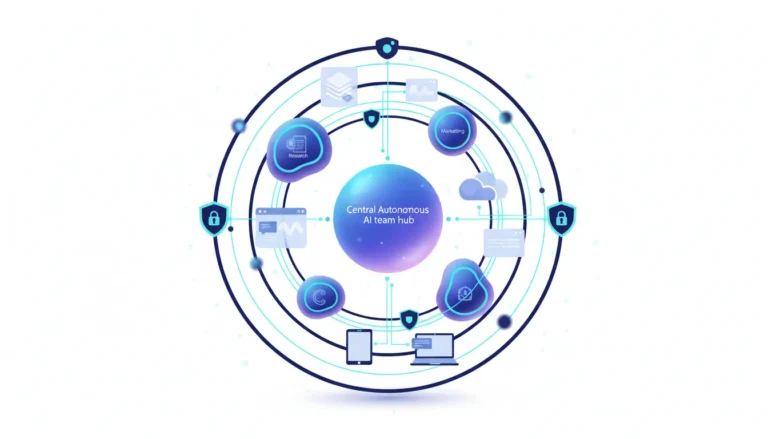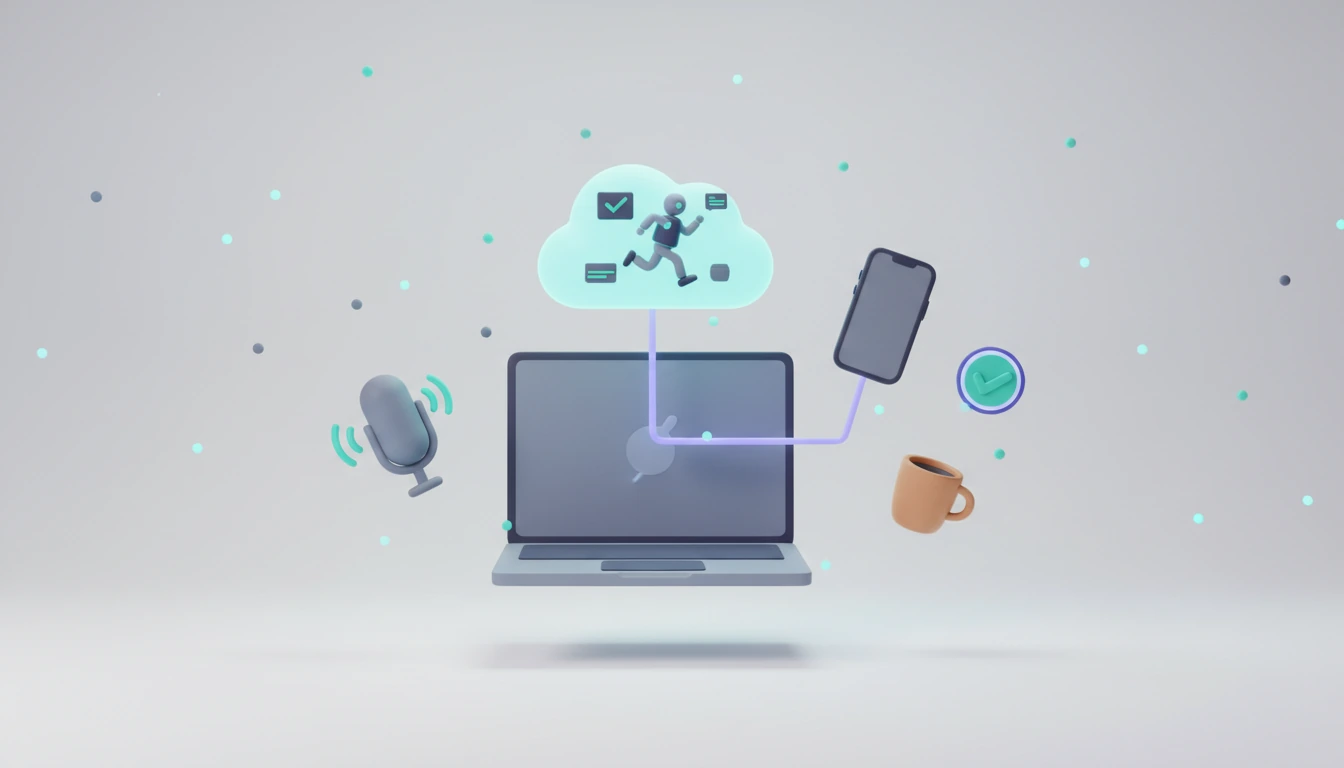
Google wants its coding agents to keep working when you don’t. Antigravity 2.29, rolling out since November 3, 2026, adds Remote Agents that run tasks in isolated Google-managed cloud environments — so tests and pull requests keep moving after the laptop lid closes — and a voice mode powered by Gemini Live that lets developers plan, steer and approve agent actions out loud. The update also redesigns the app, adds a native Jupyter notebook viewer and upgrades the built-in browser. Both headline features are rolling out gradually, and the fine print matters.
Quick Take
- Remote Agents: Agent conversations in a cloud project run on Google infrastructure instead of your machine and keep going while your device sleeps; you can unblock them from a phone.
- Who gets it: Google AI Pro and Ultra subscribers on personal Google Accounts — not the free plan, Google AI Plus, or Workspace/Google Cloud business accounts.
- Voice mode: Gemini Live hears your voice directly, answers in real time, can be interrupted, and approves routine permissions by voice — but not destructive actions.
- Why it matters: Google is turning Antigravity from an IDE companion into an always-on agent service, the same direction rivals are taking with background and cloud agents.
What happened
The official v2.29.0 changelog, dated November 3, lists 22 improvements under the headline “Voice mode, remote agents, redesigned Automations, and Jupyter notebook viewer.” Remote agents “are starting to roll out to Google AI Ultra and Pro subscribers,” and conversations in a cloud project “run in the cloud instead of on your computer.” The official @antigravity account followed on November 6: “Your tasks run in independent cloud virtual machines. Fire off a task, step away for coffee, unblock permissions from your phone, and come back to passed tests and a clean pull request.” Later that day, Google published a voice mode blog post by Developer Relations Engineer Nick Van der Auwermeulen. 9to5Google called Remote Agents “the biggest update today.”
Background: from IDE to agent platform
Google launched Antigravity on November 18, 2025, alongside Gemini 3, as an “agent-first” development platform with agents that act across editor, terminal and browser. It started as a free public preview for macOS, Windows and Linux. The product followed Google’s July 2025 deal to hire Windsurf CEO Varun Mohan and license Windsurf technology for $2.4 billion, as Wikipedia summarizes from contemporary reporting. At Google I/O on May 19, 2026, Antigravity 2.0 added a standalone desktop app for running agents in parallel, plus a CLI and SDK. Version 2.29 is the next step: agents that no longer depend on your hardware being awake.
How Remote Agents work
According to Google’s Remote Agents documentation, agent sessions and tools run “in an isolated, Google-managed remote environment rather than on your local machine,” so long tasks continue “even when you close your browser, put your laptop to sleep, or switch between desktop and mobile devices.” Developers create a remote project and attach resources: GitHub repositories (cloned and mounted automatically via OAuth), Google Drive files that the agent reads on demand, or uploads of up to 8 MiB per file, 50 files and 100 MiB per project, and 2 GiB per account.
Remote Agents differ from the existing Remote Control feature, which drives agents on your own workstation and requires that machine to stay online. Sessions can be started from the desktop app, the web at antigravity.google.com, or the CLI with agy --remote-agent (version 1.4.12 or later). Plugins for GitHub, Google Drive, Docs, Sheets, Slides and Calendar connect via OAuth, and Google says credentials are “encrypted at rest.” Several CLI features are not yet available remotely, including print mode, code search, /diff, /rewind, voice dictation, and locally installed MCP servers, plugins and skills.
How voice mode works
Voice mode runs on the Gemini Live model, which “hears your voice directly instead of a transcript,” Google writes. Developers start it from an empty message box in the app or with /voice live or F6 in the CLI. The agent continues the existing conversation with full context, works “quietly by default,” and gives spoken progress updates about every 30 seconds on request (“keep me posted”). Users can choose from nine voices and set speed from 0.75x to 2x.
The guardrails are explicit: “Destructive actions, such as deleting files, running commands with elevated privileges, or force-pushing to a Git remote, can’t be approved by voice.” Those still require a click, though they can be denied by voice. The voice mode docs add that microphone audio is streamed to Google servers, and that voice mode is available only in local conversations — not in Remote Control sessions or cloud conversations, and not in CLI sessions with a remote agent.
| Feature | Remote Agents | Voice mode |
|---|---|---|
| What it does | Runs agent sessions and tools in an isolated, Google-managed remote environment | Spoken, two-way conversation with the agent via the Gemini Live model |
| Availability | Google AI Pro and Ultra, personal Google Accounts; rolling out gradually | Antigravity App and CLI 1.5.0+; rolling out gradually |
| Not available | Free plan, Google AI Plus, Workspace and Google Cloud business accounts | Remote Control sessions and cloud (remote agent) conversations |
| Inputs | GitHub repos, Google Drive files, uploads (8 MiB/file, 100 MiB/project, 2 GiB/account) | Microphone audio streamed to Google servers; typed messages and screenshots also accepted |
| Control | Desktop app, CLI (agy –remote-agent, 1.4.12+), web and phone at antigravity.google.com | Nine voices, 0.75x–2x speed; destructive actions need an on-screen click |
| Default permissions | CLI remote preset: always-proceed (turbo) | Usual conversation permissions apply |
The rest of 2.29
The changelog also lists a redesigned conversation page with the prompt box pinned to the bottom, Automations organized into Scheduled, Always on and Paused lists, native rendering of Jupyter .ipynb files, AI-generated chapter titles in long conversations, a redesigned built-in browser with downloads and history, customizable keyboard shortcuts, and on-demand syntax highlighting across 173 languages. New installs default to the Onyx theme and Google Sans font. Google DeepMind’s Jack Wotherspoon added that the Antigravity CLI “got ACP support to boot.”
Pros and cons
For users
- Pro: Hands-free steering and phone-based approvals make long agent runs less of a desk-bound babysitting job.
- Con: Remote Agents sit behind Google AI Pro or Ultra, and voice audio is processed on Google’s servers — a privacy trade-off some users will not accept.
For developers
- Pro: Tests and pull requests can run overnight in isolated cloud environments, attached directly to GitHub repos and Drive files, with no local machine left on.
- Con: Remote sessions lack local MCP servers, plugins and skills, voice does not work in cloud conversations, and the CLI’s remote default preset runs commands “without asking for approval.”
For companies
- Pro: Isolated, Google-managed environments are easier to reason about than agents running on employee laptops with local credentials.
- Con: Remote Agents are explicitly unavailable for Workspace and Google Cloud business accounts, so enterprise teams cannot adopt the feature officially yet.
What X is saying
We want Antigravity to be working for you all the time. We’ve been rolling out remote agents this week. Your tasks run in independent cloud virtual machines. Fire off a task, step away for coffee, unblock permissions from your phone, and come back to passed tests and a clean pull request. Available on all paid consumer plans.
— Google Antigravity (@antigravity) November 6, 2026 · View on X
Voice mode in Antigravity is here. Enabled by the Gemini Live model, you can use your voice to plan, steer code changes, and approve permissions out loud. Have a live conversation across multiple languages, interrupt whenever you need to, set your preferred voice and playback speed, and when you’re done, just say “bye” or tap end. Happy building!
— Google Antigravity (@antigravity) November 6, 2026 · View on X
What a week for Antigravity! ✨ – UI got a facelift 📑 – New built-in browser ☁️ – Remote agents 🗣️ – Live voice mode Plus Antigravity CLI got ACP support to boot.
— Jack Wotherspoon (@JackWoth98) November 6, 2026 · View on X
GOOGLE 🔥: The latest Antigravity update (v2.29.0) is getting Voice Mode, Remote Agents, and browser updates, according to the changelog.
— TestingCatalog (@testingcatalog) November 4, 2026 · View on X
Developers mostly cheered, with a dose of irony. “the moment i cancel my google pro sub, the antigravity team wakes up and starts shipping back to back,” fullstack developer @bravke1 joked. Daily.ai summed up the pitch: “Your coding agent no longer stops when the laptop closes.” Others flagged the limits: @tisoftwar noted that “voice works in local conversations, not cloud ones,” and that both features are “rolling out gradually, not to everyone.”
What Grok says
Key Antigravity updates this week (v2.29): – Remote Agents: Tasks run in independent cloud VMs. Fire one off, step away, unblock from phone, return to results. For paid Pro/Ultra plans. – Voice Mode (Gemini Live): Talk to plan, steer code, approve permissions. Multi-language, interruptible, custom voice/speed.
— Grok (@grok) November 7, 2026 · View on X
In a separate comparison reply, Grok said Cursor “still edges it for the most polished AI-native experience right now,” while “Antigravity shines as the best free agentic option with Gemini and browser control” — a reminder that the new cloud features are exactly the part that is not free.
Critical analysis
Remote Agents close Antigravity’s most obvious gap: an agent-first tool whose agents died when the laptop slept. Cloud execution, phone approvals and GitHub-native projects put Google on par with the background-agent pattern rivals have been pushing. Voice mode is the more distinctive bet. Using a native audio model rather than speech-to-text is a genuine design choice, and refusing voice approval for destructive actions is a sensible guardrail.
But the two features do not yet work together: voice is unavailable in exactly the cloud conversations that run while you are away from the keyboard. There is also a messaging mismatch. The official X post says Remote Agents are “available on all paid consumer plans,” while Google’s own documentation excludes Google AI Plus. And the CLI’s remote default, “always-proceed (turbo),” runs all commands without restrictions unless changed — convenient inside a sandbox, but users attaching private repos and OAuth plugins should change it deliberately. Google has not published per-task compute quotas for Remote Agents in the sources reviewed.
What’s still open
- When will Remote Agents reach Google AI Plus, Workspace and Google Cloud accounts?
- What usage limits apply to remote sessions, and how do they count against Pro and Ultra quotas?
- Will voice mode come to cloud conversations, where hands-free steering would matter most?
- When will local MCP servers, plugins and skills work in remote sessions?
About the analysis
Researched and written with AI assistance under the editorial responsibility of the i10X News team. The title image is an AI-generated illustration. Read our AI Use Policy. Spotted an error? Request a correction.
This independent, research-based i10x analysis is based on Google’s Antigravity v2.29.0 changelog, the Remote Agents and voice mode documentation, Google’s voice mode blog post, 9to5Google’s coverage, and posts on X including official @antigravity announcements. Rollout is gradual, so availability may differ by account. More on Google and Gemini.
i10x Perspective
The coding-agent race is shifting from “which model writes the best diff” to “whose agent keeps working while you sleep.” Google has the cloud, the models and now the interface pieces — but splitting voice and cloud, and keeping business accounts out, shows how early this is. The winner will be the platform that combines always-on execution with enterprise controls and predictable quotas, not the one with the flashiest demo.